Group related threads in the sidebar
Create a named, colour-coded sidebar group for the threads on one project or topic. When an agent needs an answer, you can jump straight to its question.
Give related threads a name and colour
Right-click a thread and choose Group to create a group or join one. Drag another thread onto the heading to add it. The heading appears in each status section where the group has threads. Click any of its headings to fold the whole group.
Find the question waiting for you
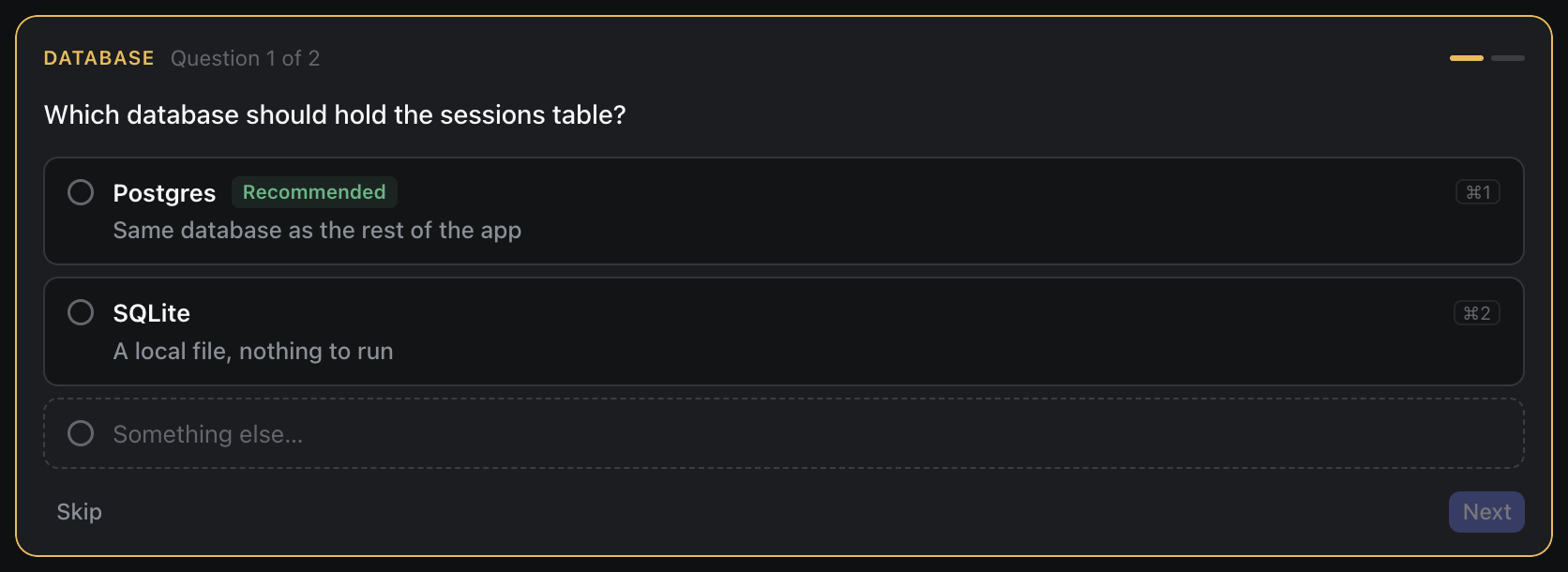
Control Room highlights questions an agent marks as waiting for your reply in its written response. When all marked questions are out of view, Your answer shows them at the bottom of the thread, even after the pull request has merged.
See what passed before a merge
The agent reports Tests, QA and Code review with evidence for the commit it will merge. The merge action tells the agent which checks still need attention.
Start with a Hermes profile
In Settings › Agent providers, open your Hermes connection and enable the profiles you want. Then pick one in New task. The thread's sidebar row shows the profile it uses.
Also
- Draft messages appear in a card with a Copy button
- Control Room asks before quitting while agents are working
- Click a provider in the model picker in New task or Repository settings to select it
- When archiving a thread without a pull request closes its linked issue, Control Room can post a summary on the issue. Undo within 30 seconds of the latest archive to reopen the issue and remove any comment
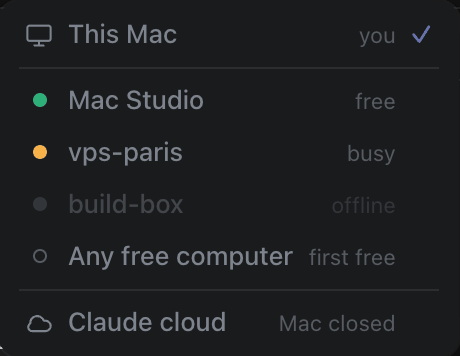
- Last activity sorts work from other machines alongside your local threads
- Script ports can open in Control Room's browser or your default browser
- The all-clear screen shows what you completed today
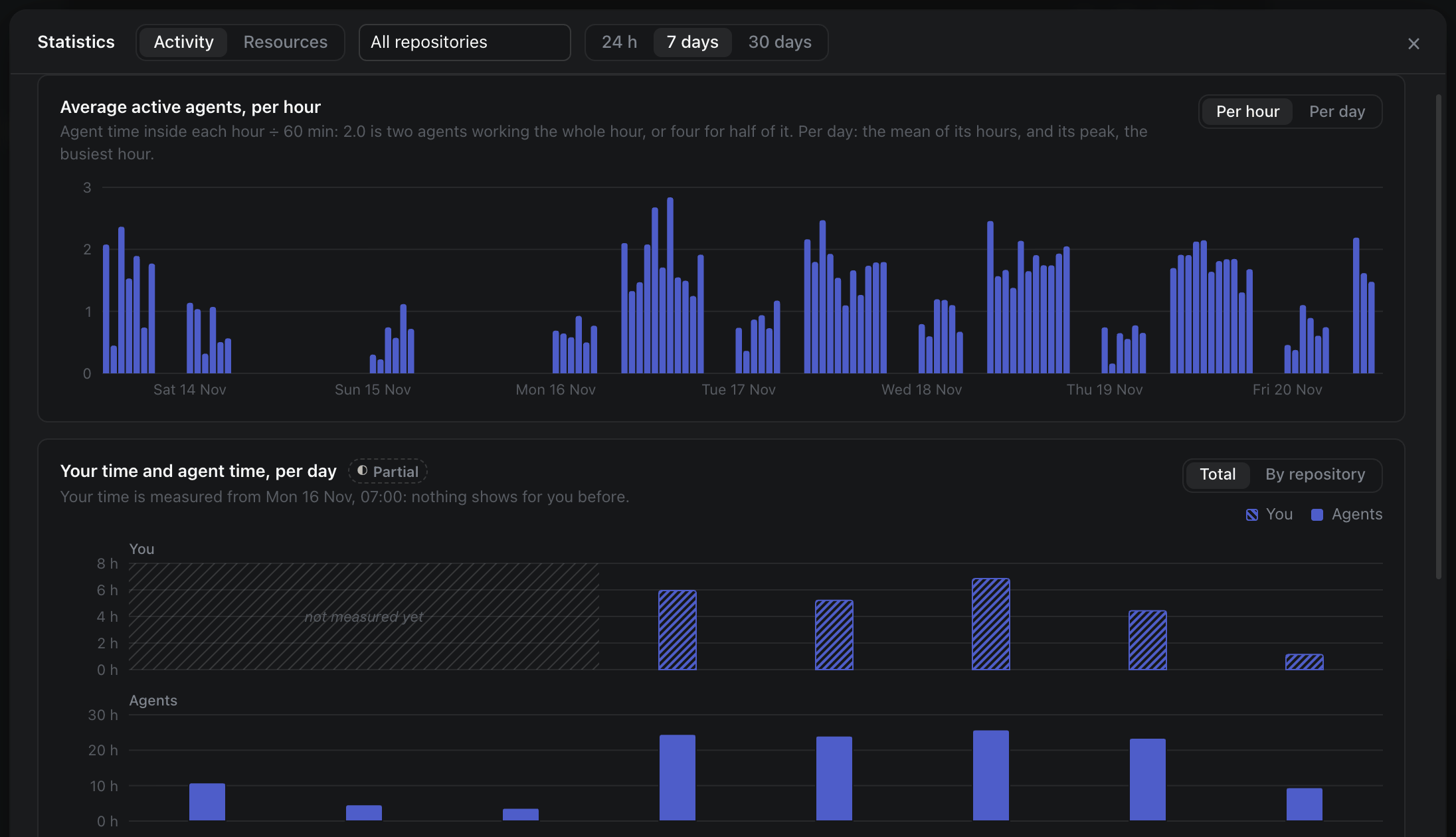
- The Statistics toolbar wraps in narrow windows
- Archived Grok bots stay in Archived until you restore them or a new message arrives